ServiceXG Basics
Manage EFT Status Codes
Create status codes which indicate if you can use the employer’s bank account to make EFT payments.
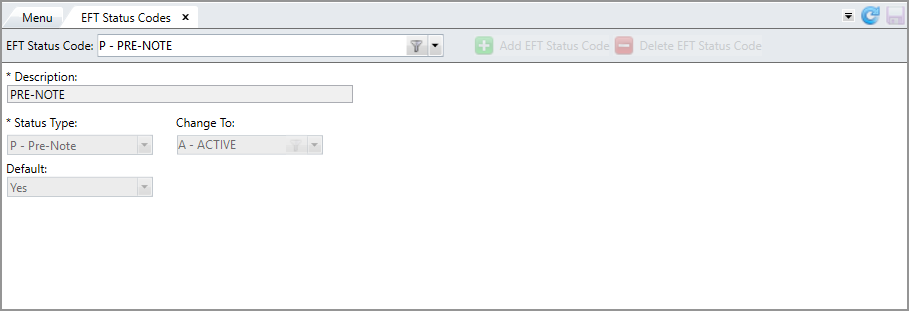
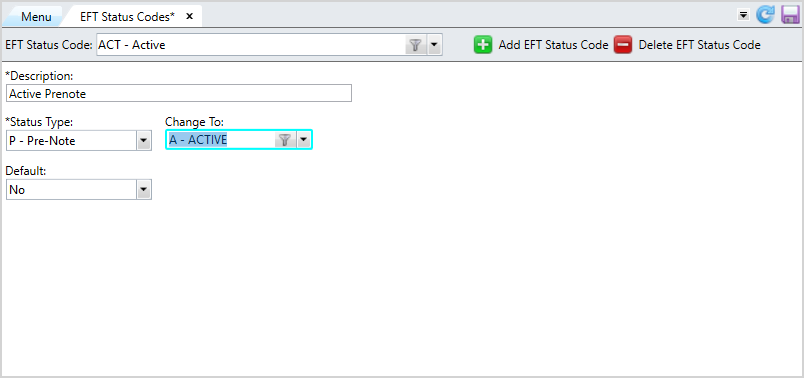
Each EFT status code is associated with one of three possible status types: pre-note, active or inactive. You can create numerous status codes of the same status type.
Go to: Home > Codes and Criteria > EFT > EFT Status Codes
Add an EFT Status Code
-
Click
 .
. -
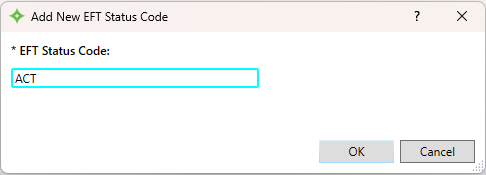
Enter a name for the EFT status code and click
 . You can enter up to seven (7) characters.
 -
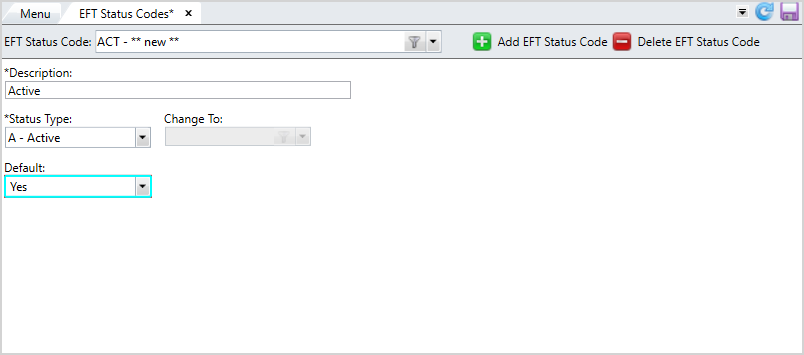
Enter a
Descriptionfor the code. You can enter up to 25 characters. -
At
Status Type, selectActive,Prenote, orInactive. You must set up at least one active, inactive, and pre-note code. -
At
Default, choose if this EFT status code is the default status code for new bank accounts created by employers in the Employer portal. You can set only one status code as the default per status type. -
The
Change Tofield only applies to prenote status codes. After creating a pre-note transaction for an employer, the EFT Status Code specified in this field will be assigned to the employer bank account. -
After verifying the information, click
 to save.
Update an EFT Status Code
- Select the code to update from the
EFT Status Codelist. - Edit the
Description, Status Type, Change To,orDefaultfields as needed. - Click to save.
Delete an EFT Status Code
- Select the code to delete from the
EFT Status Codelist. - Click
 .
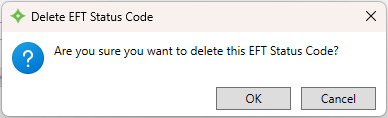
. - At the message "Are you sure you want to delete this EFT Status Code?", click to delete the code or
 to return to the
 EFT Status Codesscreen without deleting. - If you selected , the code is deleted from the list.