 ServiceXG Basics
Configure the remittance description that displays in the employer portal and provides your employers with meaningful information about their remittances.
Home > System Administration > EmployerXG > Site Configuration
-
Select the employer
Environmentto update.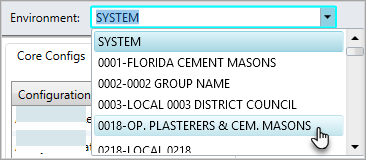
-
Click the
Core Configssubtab, then clickOpenRemittanceDescription.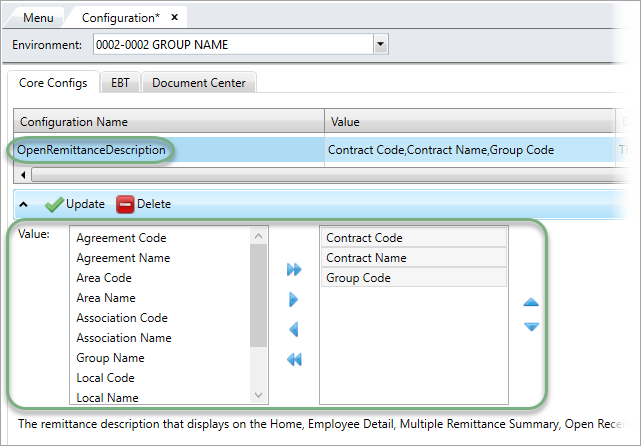
-
In the
Valuearea, add, remove, and order the fields in the remittance description using the arrows.- Click
 to add all values.
 - Click
 to remove all values.
 - To add a single value, click a value from the left, then click
 .
. - To remove a single value, click a value in the right, then click
 .
. - To change the order, click a value in the right, then
 to rearrange.
- Click
-
Click
 and
and  to save.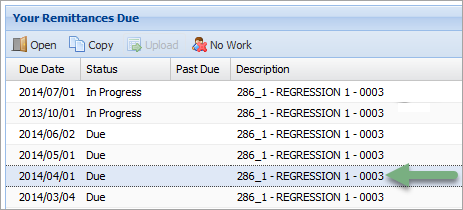
The remittance description updates in the employer's portal. In this example, the contract code
286_1, contract nameREGRESSION 1, and group code0003display.