 ServiceXG Basics
Delete a contract
-
To quickly determine whether the contract has posted receipts, go to the
Parameterstab and view theAllow Changes?radio button.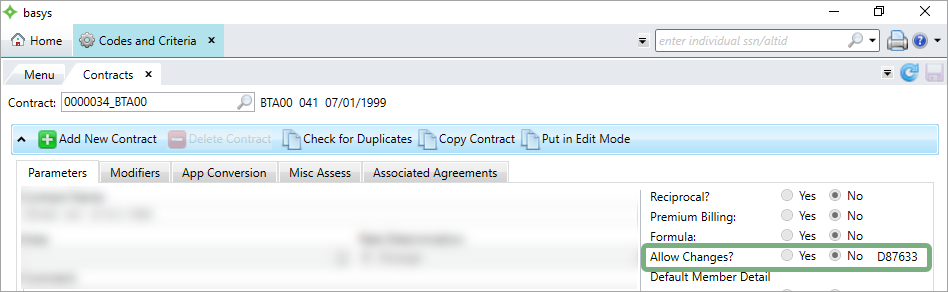
If there's a refno next to the field, the contract has posted receipts (the refno is the most recent receipt) and can't be deleted.
Go to: Home > Codes and Criteria > Contributions Contracts > Contracts
-
Enter the contract to delete in the
Contractsearch bar.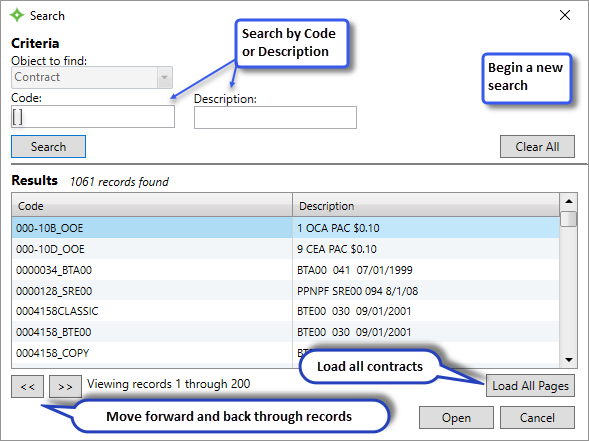
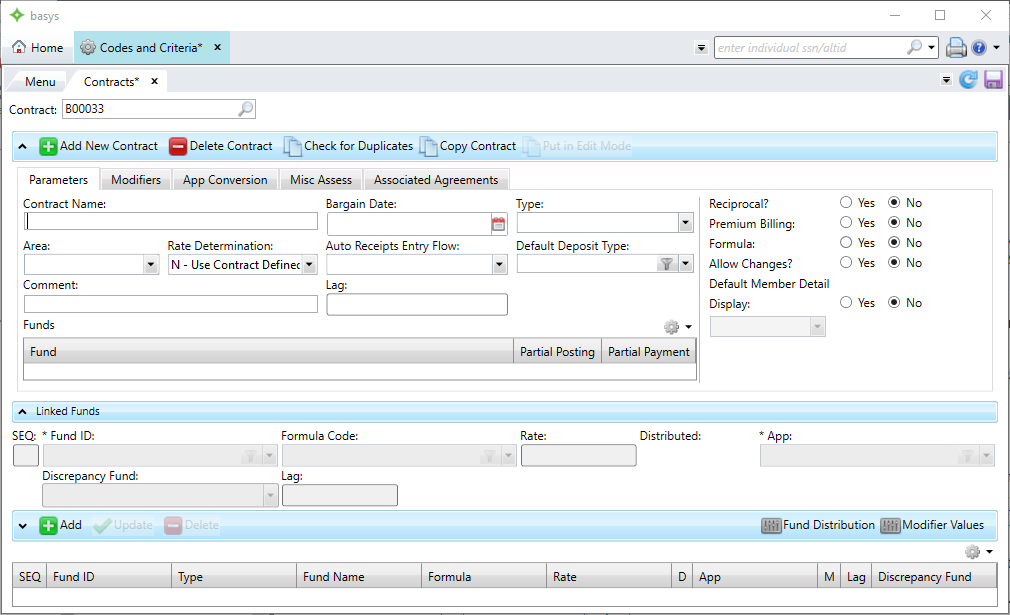
-
Click
 .Note: If is grayed out, you don't have the correct permissions. Check the role editor to ensure you have the permissions to delete a contract.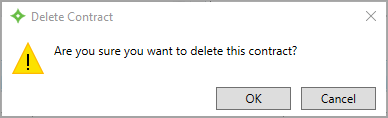
- Click
OK. The contract is deleted from the system.