 ServiceXG Basics
Contract edit mode
 first.
Note: If no receipts have been posted for the contract yet, or if
Yes is selected for Allow Changes? on the Parameters tab, the contract is editable by default. Go to: Home > Codes and Criteria > Contributions Contracts > Contracts
-
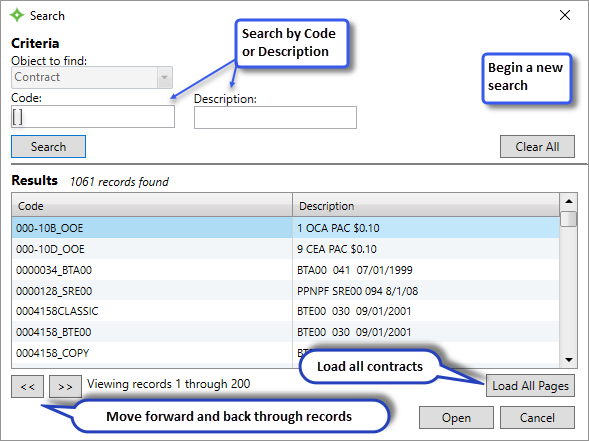
Search for and open the contract. See Contract search.
-
Click
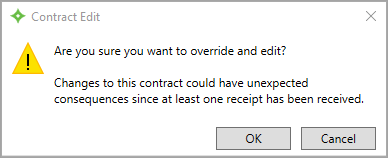
.
- Click
OK. TheLink Fundssection and other restricted options are enabled for use.