 ServiceXG Basics
Copy a contract
Go to: Home > Codes and Criteria > Contributions Contracts > Contracts
-
Search for or enter the
Contractto copy. See Contract search.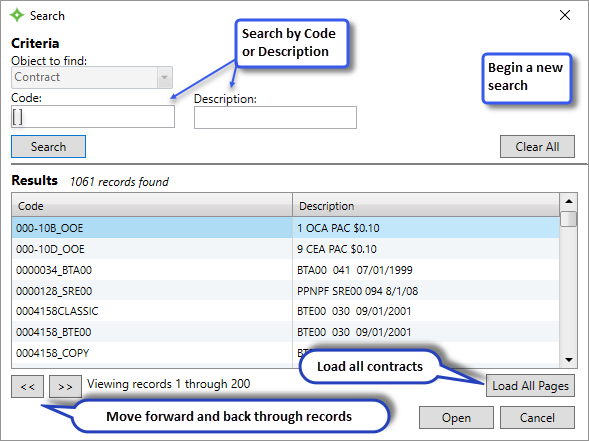
Details related to the contract display in each tab .
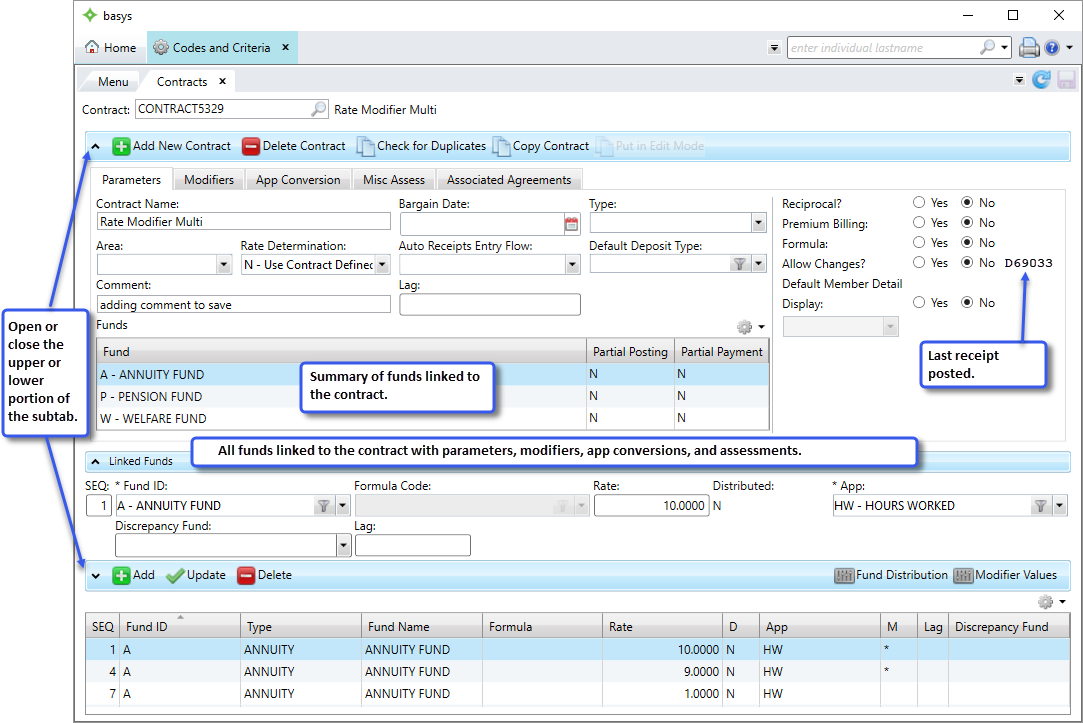
-
Click
 .
.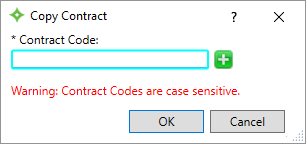
- Enter the new contract name, or click
 to generate one.
 -
Click
OK. The new contract information displays. - The
Allow Changesparameter is set toNoby default, so you'll have to put the contract in edit mode to make any changes. See Contract edit mode. -
Update the contract, see the instructions for each contract subtab in Create a New Contract.